Thank you for purchasing my
August Canva Template Bundle on $3 Thursday!
Tips for accessing and editing your templates:
Click the button above and a PDF document will open up.
Click the buttons that say "templates" on the PDF and you will be directed to a preview page for each.
Click "VIEW" or "EDIT TEMPLATE" and Canva will open up. (you may need to sign in)
IMPORTANT:
If you open the templates on a mobile device, the text will move around and will need to be corrected. Just exit out of Canva and go back in they will correct themselves.
Also, if you use the templates on a desktop first before mobile then they will not need correcting on mobile as they will already be in your account.
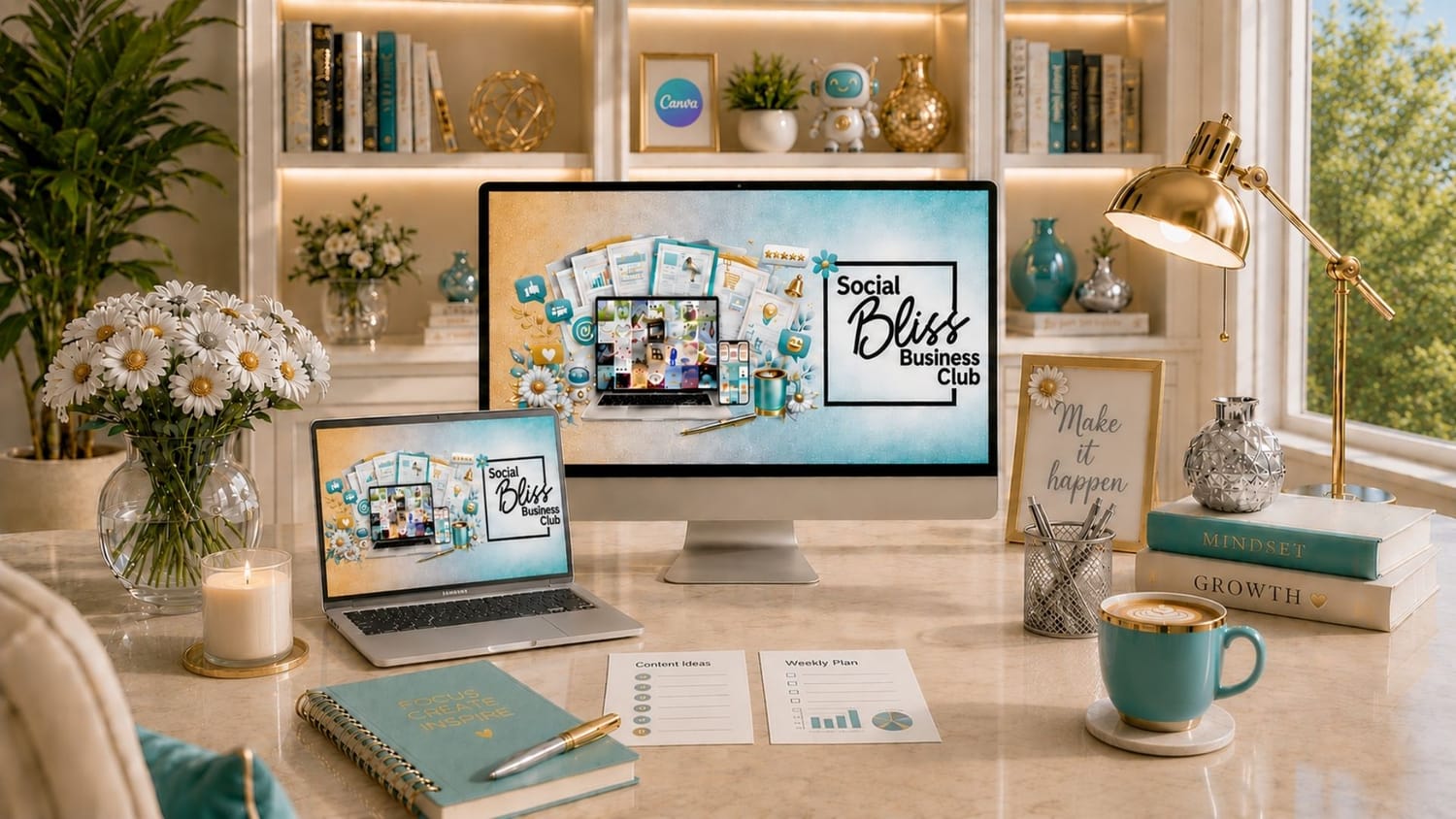
Since you clearly love saving time with Canva templates, I’d like to invite you to check out the Social Bliss Business Club.
The Club is designed to help you create content faster, show up consistently, and grow your business with less stress. You’ll get thousands of Canva templates, ready-to-post content, business resources, courses, and powerful tools, all organized in one convenient place. AND, you get a new batch of templates and content every month!
Check out all the Club has to offer here: www.socialbliss.ca/club
Love Canva?
Come join my free Canva Facebook Group at: www.facebook.com/groups/canvawithangela
It's a great place to find inspiration, gain valuable knowledge, and connect with a vibrant community of fellow designers.
I provide Canva tips, tutorials, advice, free downloads, templates, frames and more!
Got questions about Canva? Ask away! Someone is always there to help.
COPYRIGHT © 2026 | TERMS & CONDITIONS | PRIVACY | WWW.SOCIALBLISS.CA